Ok
Ok. reste ces modifications
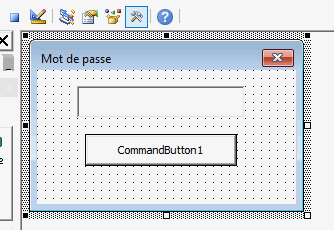
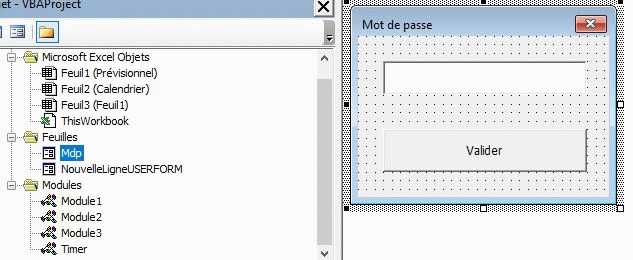
- Allez dans l'USF mdp et sélectionnez la textbox
- Dans la propriété "Passwordchar" de la textbox, ajoutez --> *
- dans le USF double click sur votre bouton "Valider"
- ajoutez ce code (attention que je suppose que votre nom de bouton est Commandbutton1)
Private Sub CommandButton1_Click()
Call acceder
End Sub
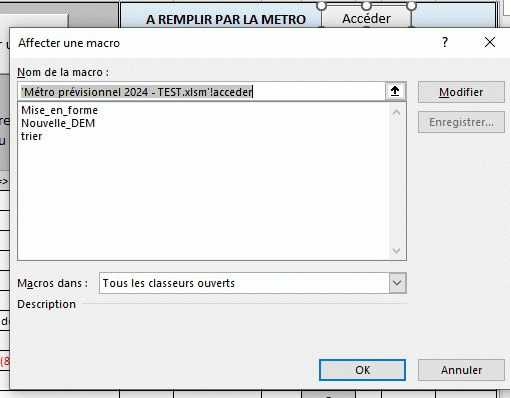
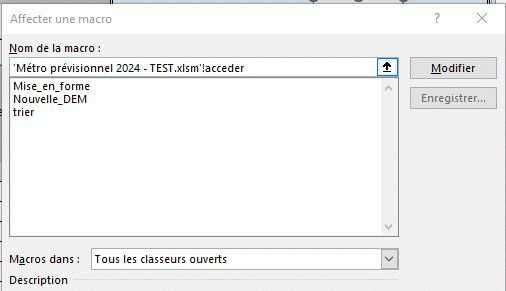
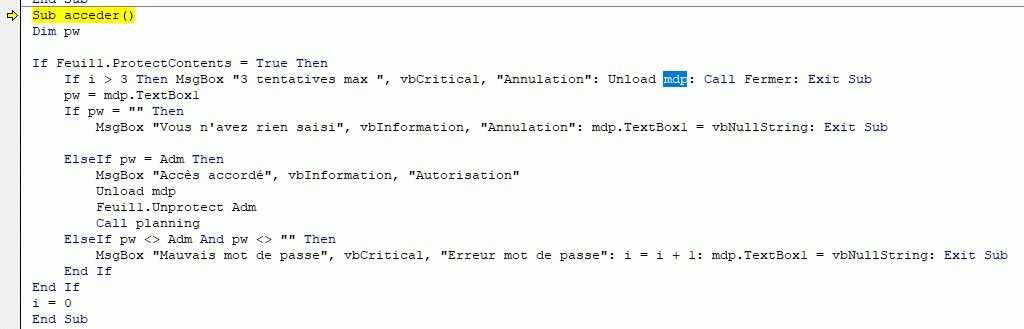
- Retourner dans le module2 et remplacez le code "Acceder" par celui ci-dessous
Sub acceder()
Dim pw

If Feuil1.ProtectContents = True Then
    If i > 3 Then MsgBox "3 tentatives max ", vbCritical, "Annulation": Unload mdp: Call Fermer: Exit Sub
    pw = mdp.TextBox1
    If pw = "" Then
        MsgBox "Vous n'avez rien saisi", vbInformation, "Annulation": mdp.TextBox1 = vbNullString: Exit Sub

    ElseIf pw = adm Then
        MsgBox "Accès accordé", vbInformation, "Autorisation"
        Unload mdp
        Feuil1.Unprotect adm
        Call planning
    ElseIf pw <> adm And pw <> "" Then
        MsgBox "Mauvais mot de passe", vbCritical, "Erreur mot de passe": i = i + 1: mdp.TextBox1 = vbNullString: Exit Sub
    End If
End If
i = 0
End Sub
Cela devrait terminer toutes les modifications