re
Voilà les deux codes à placer dans votre fichier. Ensuite je vous laisse continuer avec LooReed
1. Pour ajouter
Private Sub btnAjout_Click()
Dim lig As Long

With Worksheets("OUTILLAGE").ListObjects("BDDOutillage")
    If .ListRows.Count = 0 Then
        .ListRows.Add: lig = 1
    Else: .ListRows.Add: lig = .ListRows.Count
    End If

    With .DataBodyRange
        .Item(lig, 1) = cboLigne.Value
        .Item(lig, 2) = cboType.Value
        .Item(lig, 3) = cboProduit.Value
        .Item(lig, 4) = txtFormat.Value
        .Item(lig, 5) = cboplan.Value
        .Item(lig, 6) = txtidentification.Value
        .Item(lig, 7) = txtMatiere1.Value
        .Item(lig, 8) = txtMatiere2.Value
        .Item(lig, 9) = txtcarac.Value
        .Item(lig, 10) = txtRemarques.Value
        .Item(lig, 11) = cboProd.Value
        .Item(lig, 12) = cboLocalisation.Value
    End With
End With

MsgBox "L'outillage a bien été ajoutée à la BDD", vbOKOnly + vbInformation, "Confirmation"
End sub
2. Pour l'identification, remplacez le code que vous avez par celui ci
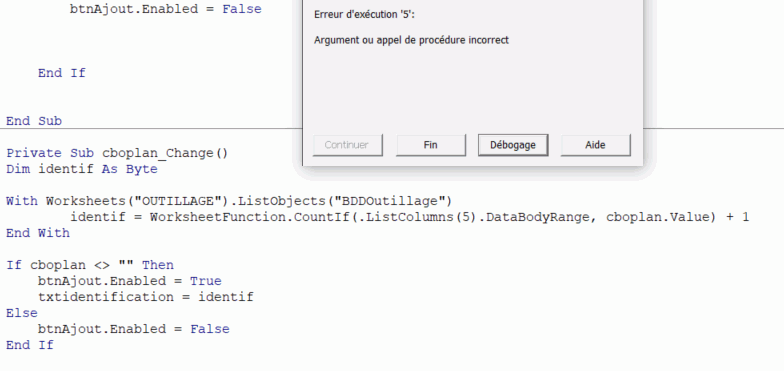
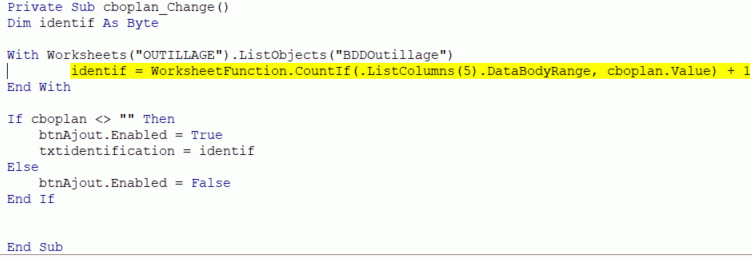
Private Sub cboplan_Change()
Dim identif As Byte

With Worksheets("OUTILLAGE").ListObjects("BDDOutillage")
    identif = WorksheetFunction.CountIf(.ListColumns(5).DataBodyRange, cboplan.value) + 1
End With

If cboplan <> "" Then
    btnAjout.Enabled = True
    txtidentification = identif
Else
    btnAjout.Enabled = False
End If

End Sub
Cordialement