Bonjour
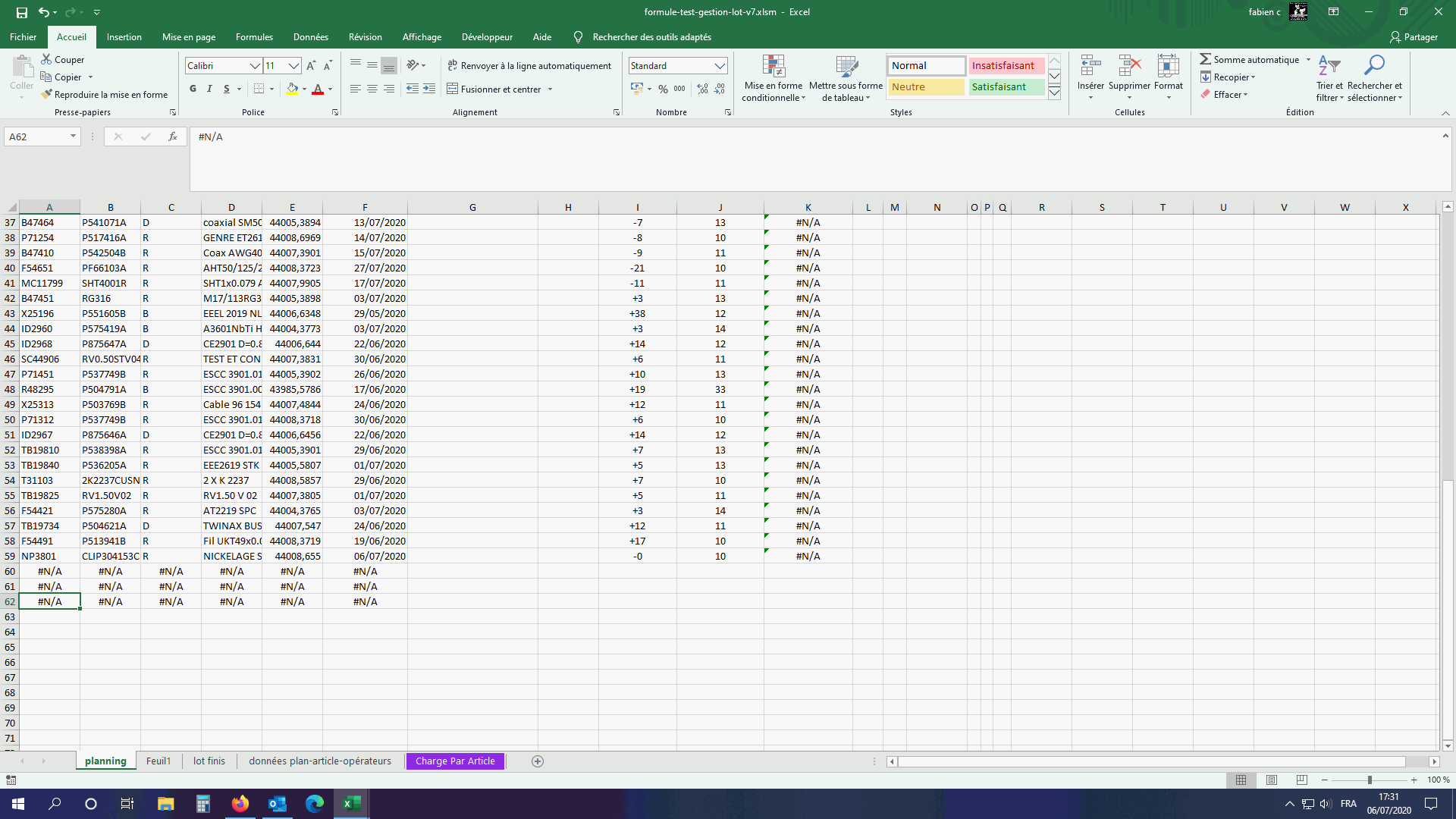
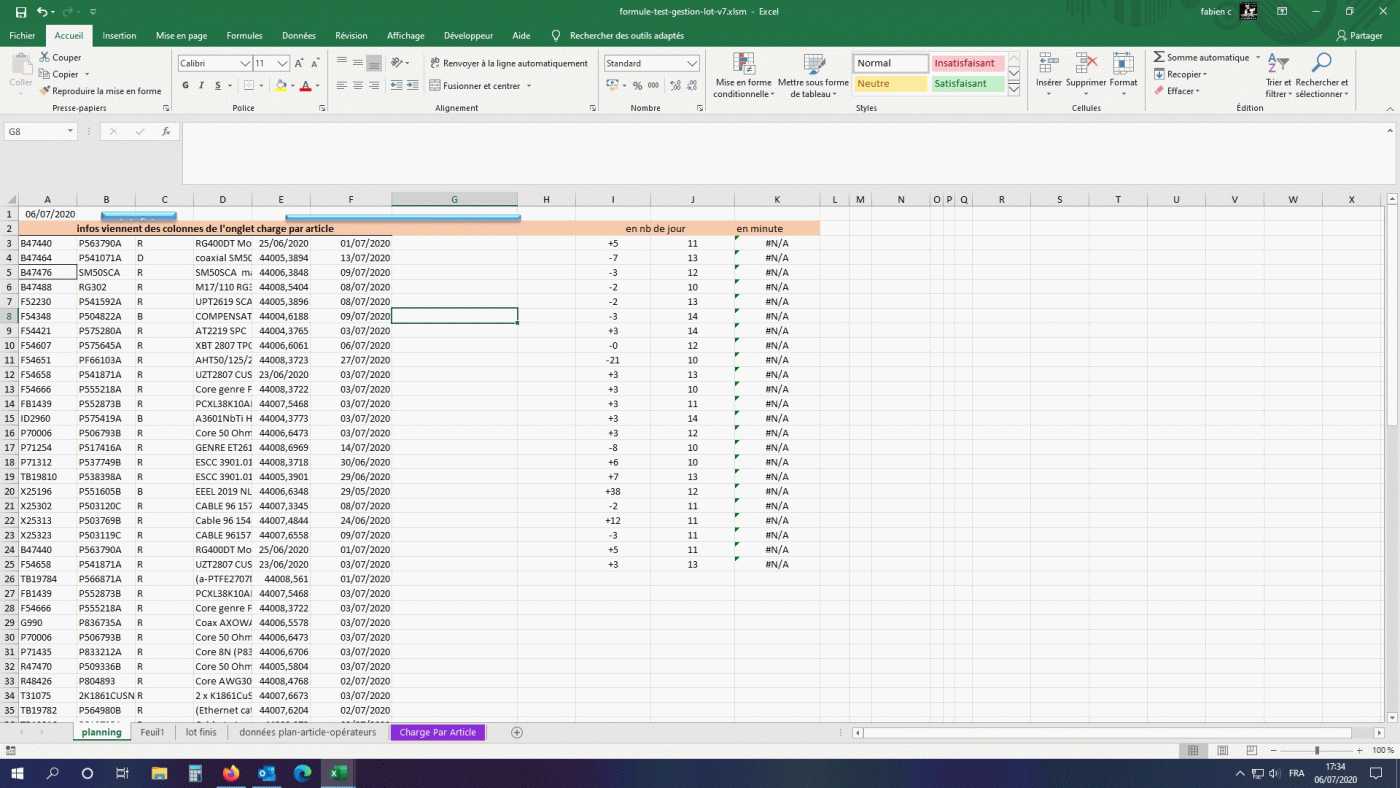
Le code pour importer dans la feuille Planning à remplacer dans votre fichier
Sub Importplanning()

Dim plage As Range
Dim dlgCA As Integer, i As Integer, ligP As Integer, lig As Integer
Dim a
Dim monTab()
Dim j As Byte

With Sheets("Charge Par Article")
    dlgCA = WorksheetFunction.CountA(.Range("A:A"))

    Application.DisplayAlerts = False
    .Columns("C:C").TextToColumns Destination:=.Range("C1"), DataType:=xlDelimited, _
        TextQualifier:=xlDoubleQuote, ConsecutiveDelimiter:=False, Tab:=False, _
        Semicolon:=False, Comma:=False, Space:=False, Other:=True, OtherChar _
        :="^", FieldInfo:=Array(Array(1, 1), Array(2, 1)), TrailingMinusNumbers:=True
    Application.DisplayAlerts = True

    'Suppression des lignes présentes dans la feuille planning
    For i = dlgCA To 2 Step -1
        On Error Resume Next
        lig = Sheets("Planning").Range("A:A").Find(.Range("A" & i), LookIn:=xlValues, lookat:=xlWhole).Row
        If Err.Number = 0 Then Rows(i).EntireRow.Delete: lig = 0
        On Error GoTo 0
    Next i

    dlgCA = WorksheetFunction.CountA(.Range("A:A"))
    Set plage = Union(.Range("A1:A" & dlgCA), .Range("C1:C" & dlgCA), .Range("P1:P" & dlgCA), .Range("R1:R" & dlgCA), .Range("u1:u" & dlgCA), .Range("M1:M" & dlgCA))
    lig = dlgCA - 1

End With

ReDim monTab(2 To lig, 1 To plage.Areas.Count)

For j = 1 To plage.Areas.Count 'parcours sur 6 colonnes
    a = plage.Areas(j)
    For i = 2 To lig
        monTab(i, j) = a(i, 1)
    Next i
Next j

With Sheets("Planning")
    ligP = .Range("A" & .Rows.Count).End(xlUp).Row + 1
    .Range("A" & ligP & ":F" & ligP + dlgCA) = monTab
End With

End Sub
Le code fat ceci :
- Supprime les ^ (C'est le code que vous aviez fait et que j'ai simplifié)
- Supprime les lignes qui sont déjà présentes dans la feuille Planning
- Construit un tableau pour importer les données dans la feuille Planning (on ne supprime aucun colonne dans la feuille Charge Article)
Cordialement