Bonjour Chris51600,
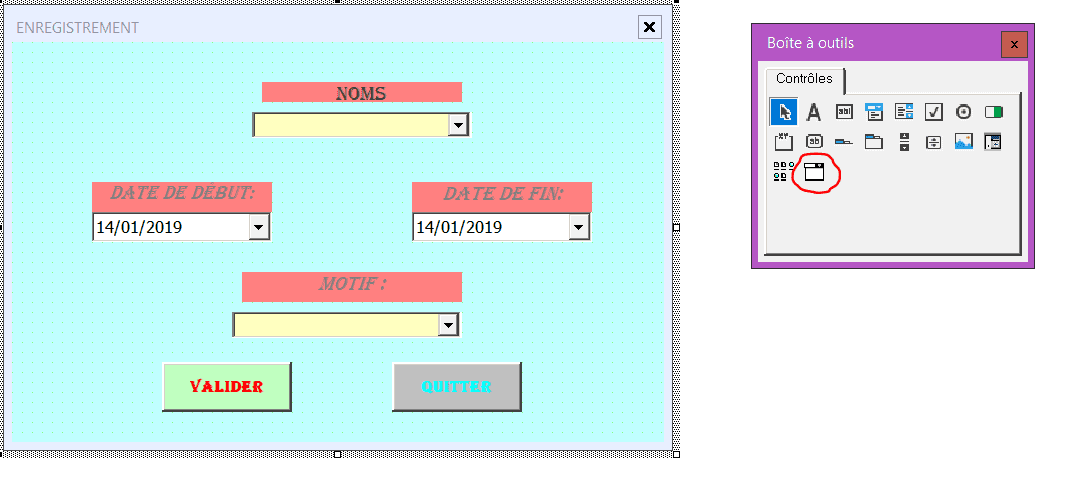
Si tu gardes le calendrier que tu avais récupéré, pour obtenir la bonne date je propose de modifier "CommandButton2_Click" du "userform1" :
Private Sub CommandButton2_Click()
Application.ScreenUpdating = False
Dim Ws As Worksheet
CelDebJour = "DATE"
CelDebNom = "NOM"
CelAnnee = "ANNEE"
Mois = Array("Janvier", "Février", "Mars", "Avril", "Mai", "Juin", "Juillet", "Août", "Septembre", "Octobre", "Novembre", "Décembre")
With Sheets("BDD_CAL")
Lig_ecriture = .Range("A" & Rows.Count).End(xlUp).Row + 1
Nom = ComboBox2
date_debut = Label5
date_fin = Label6
Motif = ComboBox1
.Cells(Lig_ecriture, 1) = Nom
      .Cells(Lig_ecriture, 2) = CDate(date_debut)
      .Cells(Lig_ecriture, 3) = CDate(date_fin)
.Cells(Lig_ecriture, 4) = Motif
End With
Application.ScreenUpdating = True
Unload Me
End Sub
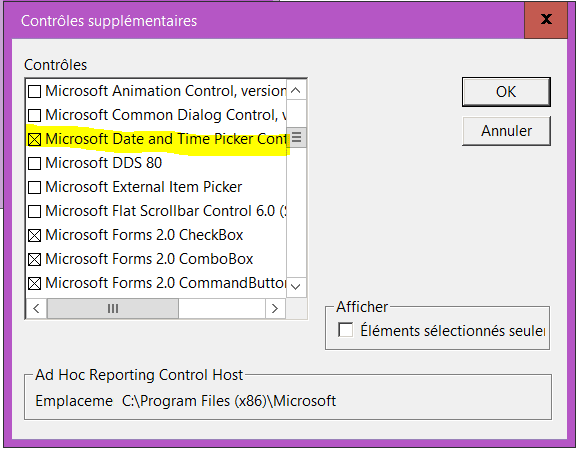
Ceci dit, ce "Date picker" ne me semble pas "élégant"...